A cordless pool robot that will not charge is the single most-feared fault in this category, because owners assume it means a new battery and often conclude it means a new robot. In practice the cheapest cause is the most common one, and the diagnostic order matters a great deal financially.
Step 1: the charger (about $10-17)
Pool robot chargers are small external power adapters that live outdoors, get splashed, get stepped on and get coiled tightly. They fail. The symptom is identical to a dead battery: you plug it in and nothing happens.
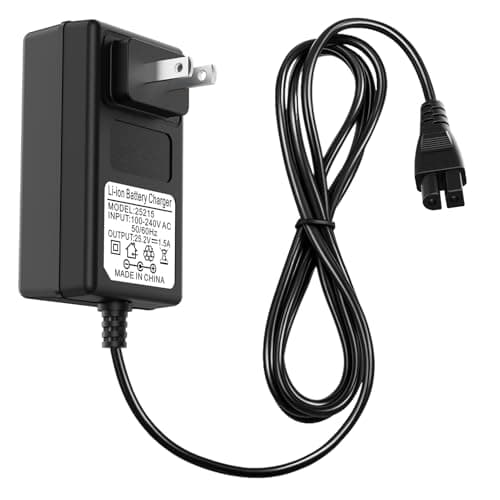
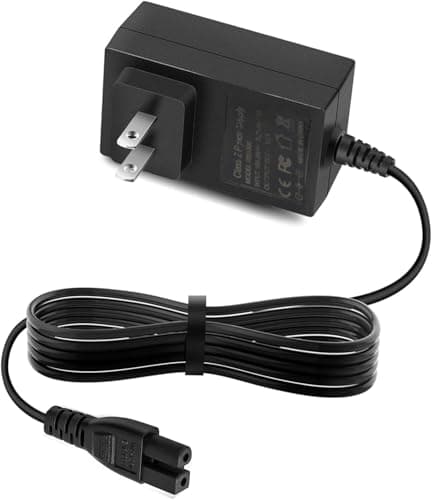
If your charger has an indicator LED and it does not light, it is the charger. If it has no LED, the cheapest possible test is a known-good replacement — about $10 for an Aiper 12.6 V unit, about $17 for a WYBOT 25.2 V unit.
Match the voltage exactly. It is printed on your original adapter and on the robot. A wrong-voltage adapter on a lithium pack is a genuine fire risk, not a performance compromise — never buy a charger on price alone without confirming the voltage and connector.
Step 2: the charge port and contacts (free)
Pool robots charge through a port or through dock contacts, both of which live in a chlorinated, mineral-rich environment. Look for white crust, green corrosion or a bent pin. Clean contacts gently with a dry brush or a contact cleaner; do not use abrasives on plated contacts.
On dock-charging models (the Aiper Obsidian and Scuba V3), check that the dock contacts and the robot’s contacts are both clean and that the robot is actually seating fully. A dock that looks engaged and is a millimeter short charges nothing.
Step 3: is it dry? (free)
Most cordless robots refuse to charge while water is bridging the contacts — a safety interlock, not a fault. If you pulled it out of the pool ten minutes ago, dry the port thoroughly and wait. This is a genuinely common false alarm.
Step 4: has the pack been stored flat?
This is the winter one. A lithium pack left discharged in an unheated garage over a northern winter can fall below its safe floor voltage, at which point the battery management system refuses to accept a charge — permanently, by design, because charging a deeply discharged cell is dangerous.
There is no home fix for this and no amount of leaving it plugged in will recover it. Prevention is the only answer: store the pack at roughly half charge, indoors, above freezing, and top it up once mid-winter. If this is what happened, you need a new pack.
Step 5: the battery (about $70-80, where available)
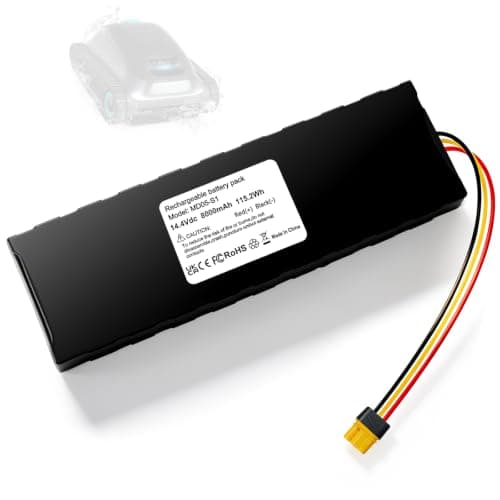
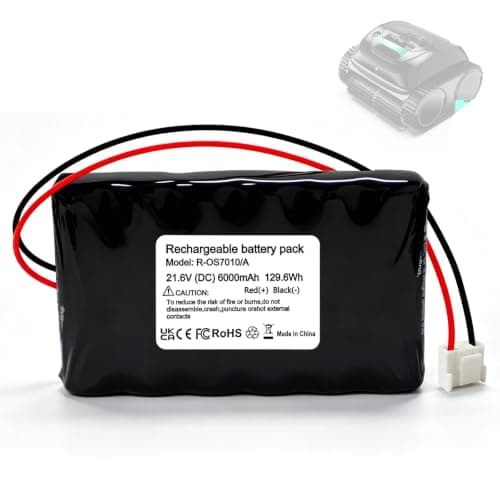
If the charger is good, the contacts are clean, the robot is dry and the pack was stored sensibly, then yes — the pack is the problem. The good news is that for several machines a third-party replacement exists: 8 Ah packs for the Aiper Scuba S1 at around $80, 6 Ah packs for the WYBOT C1 at around $69.
Two caveats. Opening the robot may void remaining warranty, so check your coverage first — the warranty guide compares what each brand offers. And for a machine with no replacement pack available, the honest situation is that the robot is at the end of its life, which is the central argument for corded machines.
A note on gradual decline
Distinct from “will not charge” is “charges but does not last”. A pack that gives you forty minutes where it used to give two hours is degrading normally and nothing is broken. That is the end of a battery’s useful life, and it typically arrives in year three or four. The lifespan guide covers what to expect.